


Why Make Use
More clarity, every day
Bring your plans, habits, and finances together, so everyday life feels a little more manageable.
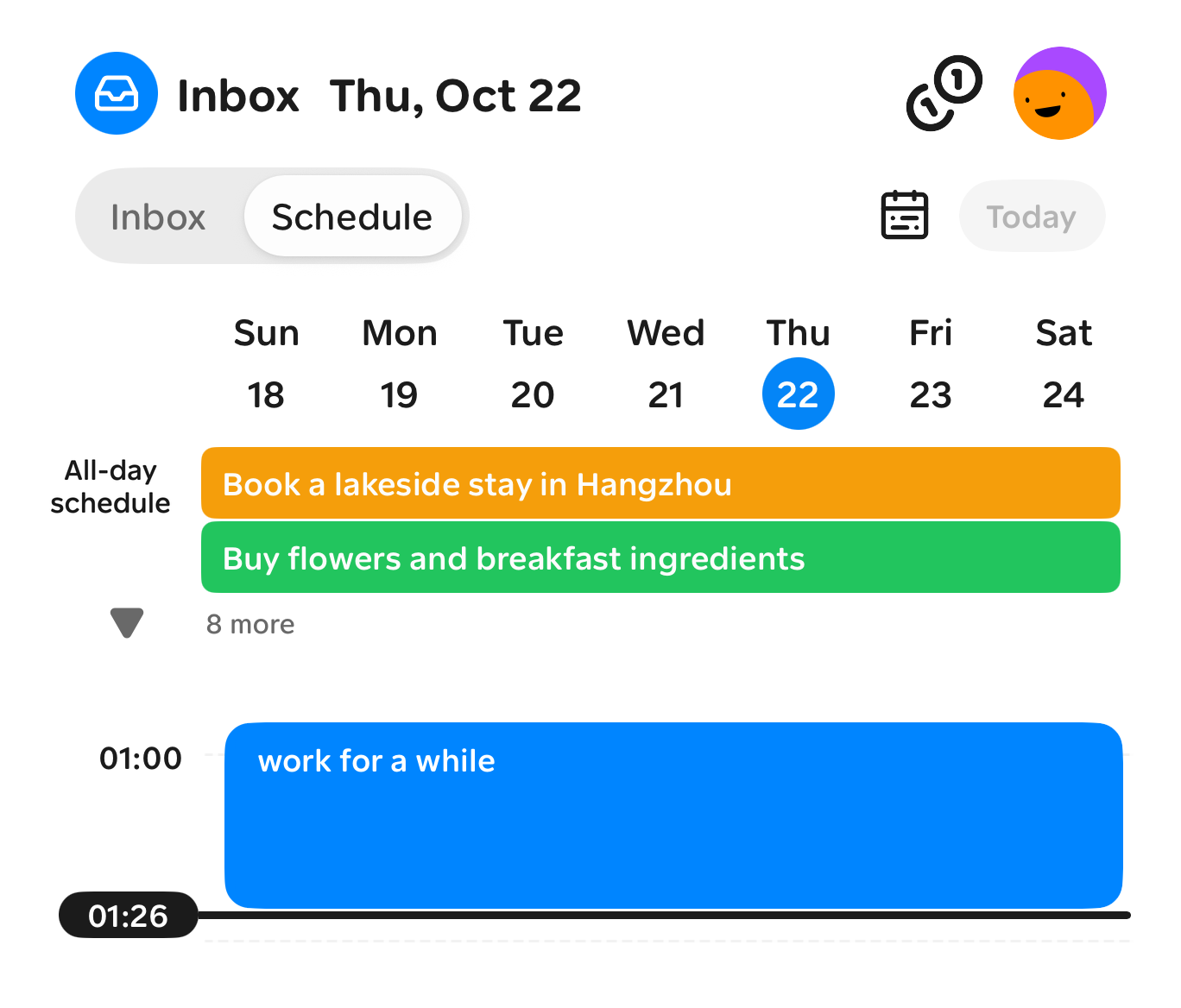
Plan your time
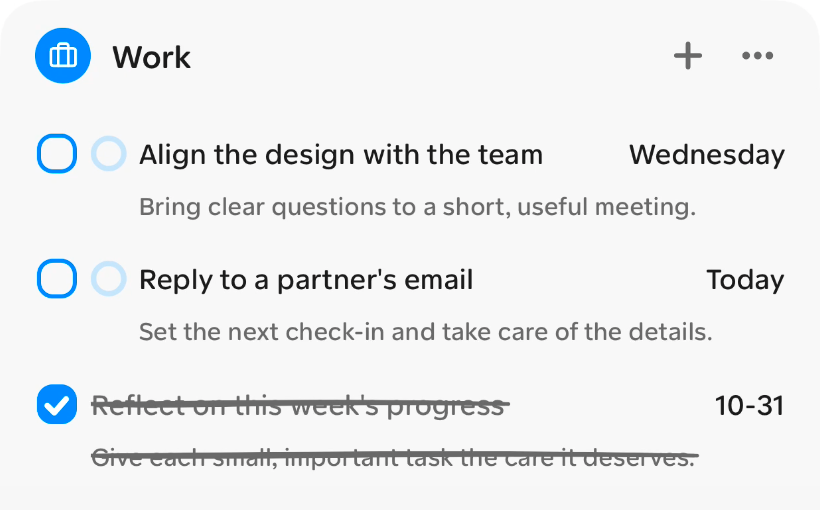
Organize tasks and schedules, set reminders, and make time for what matters.
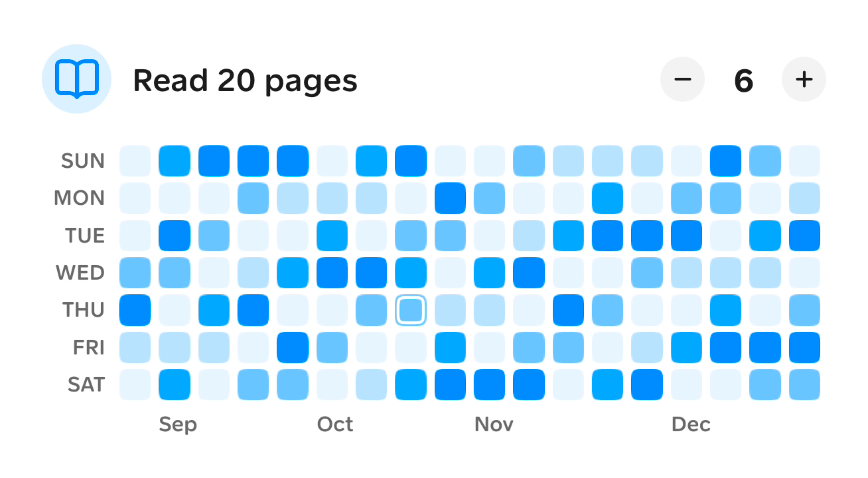
Build better habits
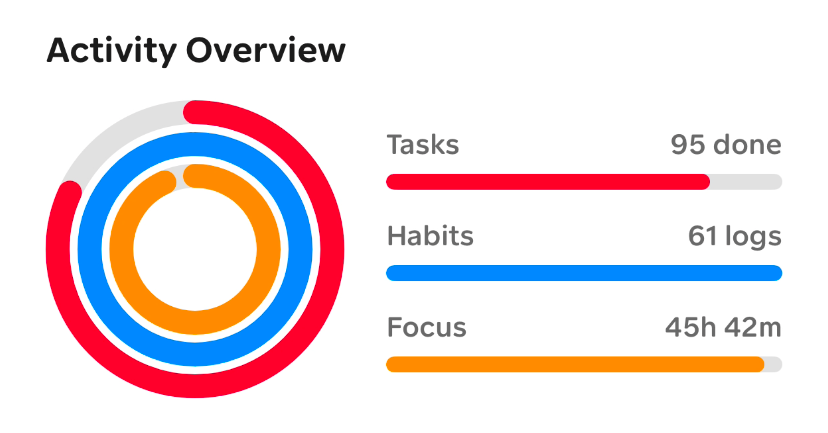
Track your habits and use focus timers to build routines that last.
Understand your spending
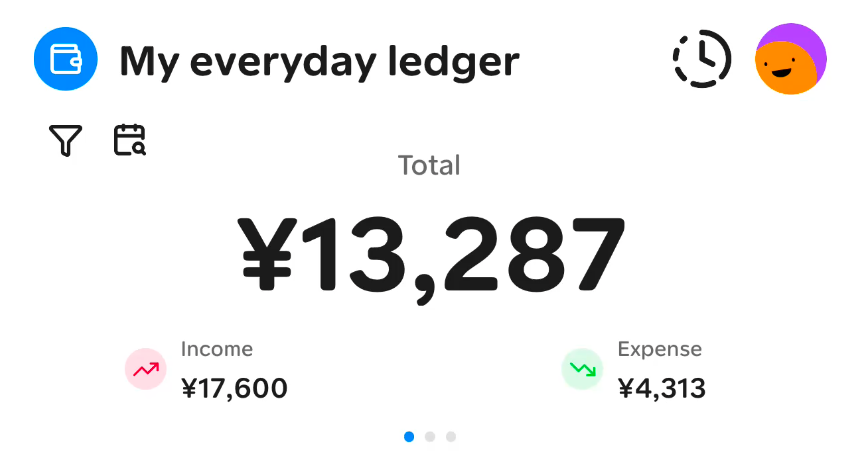
Track spending, manage budgets, and make progress toward your savings goals.

Your plans, notes, and money. Together.
Make Use brings your everyday essentials into one app. Plan what’s next, capture ideas as they come, and keep track of your spending without juggling separate tools.
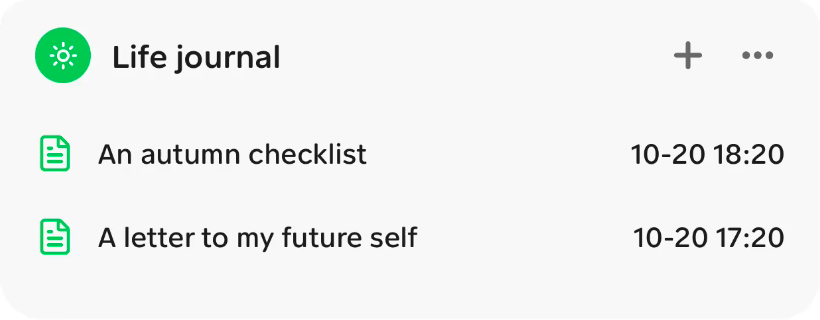
Plan
Time for what matters
Keep tasks, schedules, and reminders together, so you know what comes next.
Capture
Give every idea a place
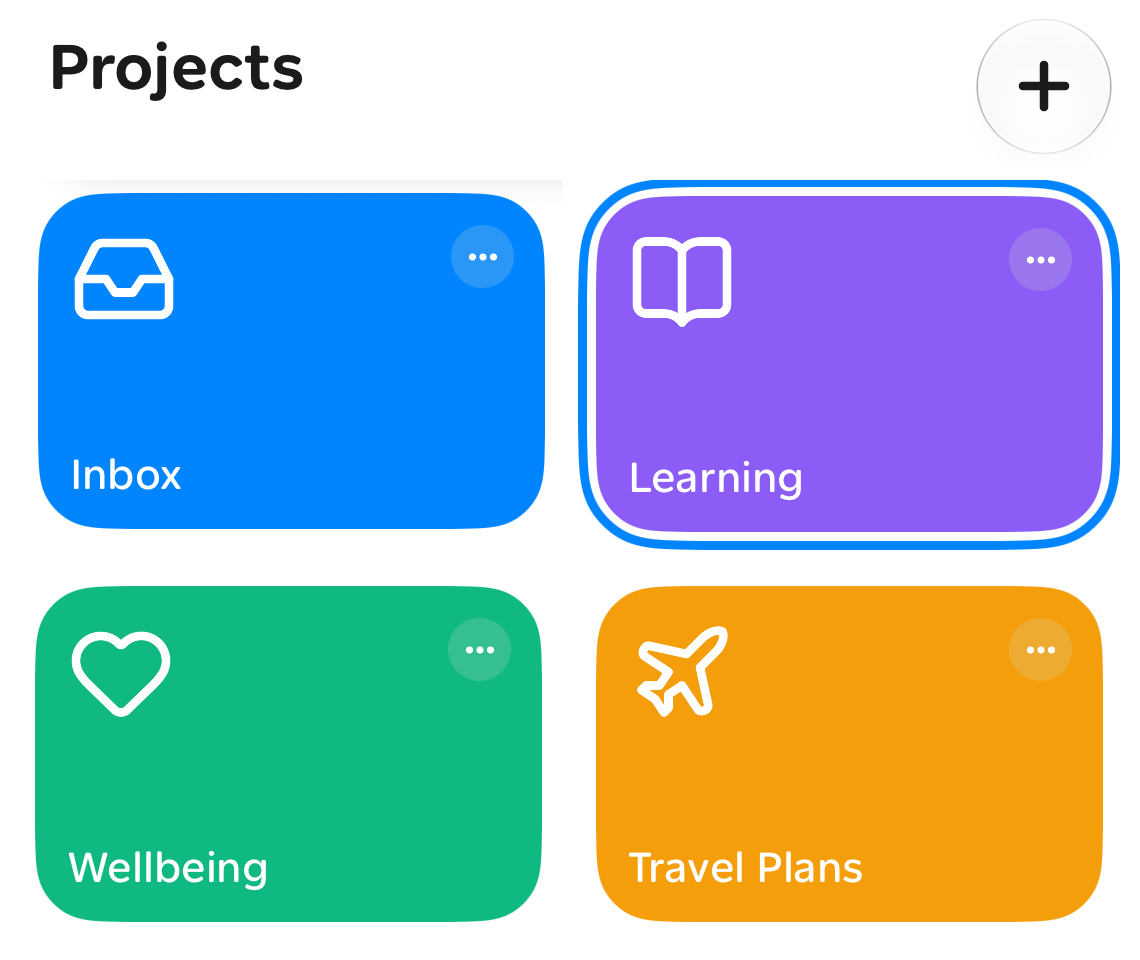
Save notes and ideas as they come, and keep them close to the tasks they belong to.
Reflect
See your progress
Review focus time, habits, and spending to understand your days and plan your next steps.

Features
Make room for everyday life
Plan your time, build lasting habits, and understand your spending with Make Use.
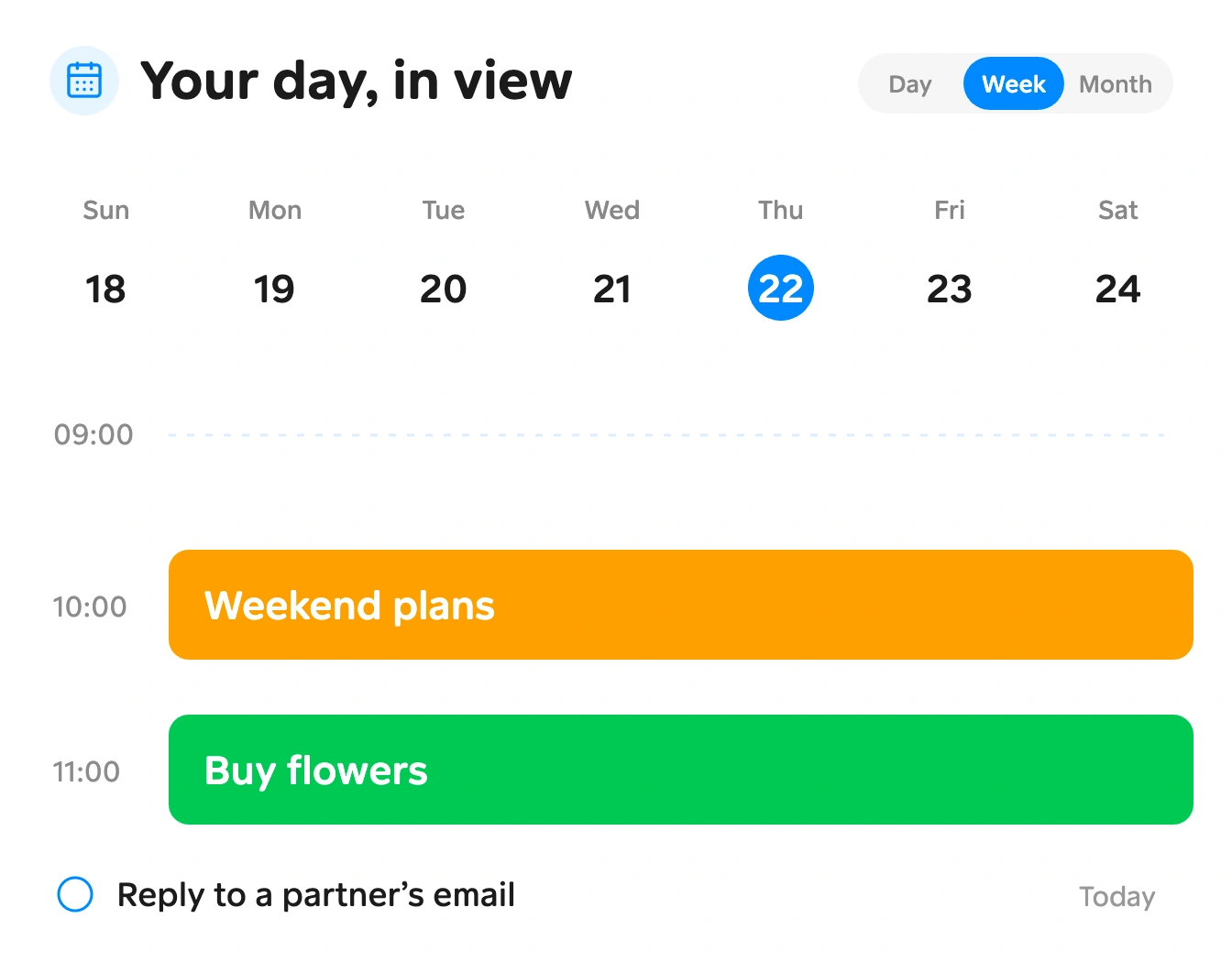
See your day, plan your next step
Keep tasks and schedules in one place
Switch between day, week, and month views to organize tasks and schedules. Set reminders and keep the next thing to do in sight.

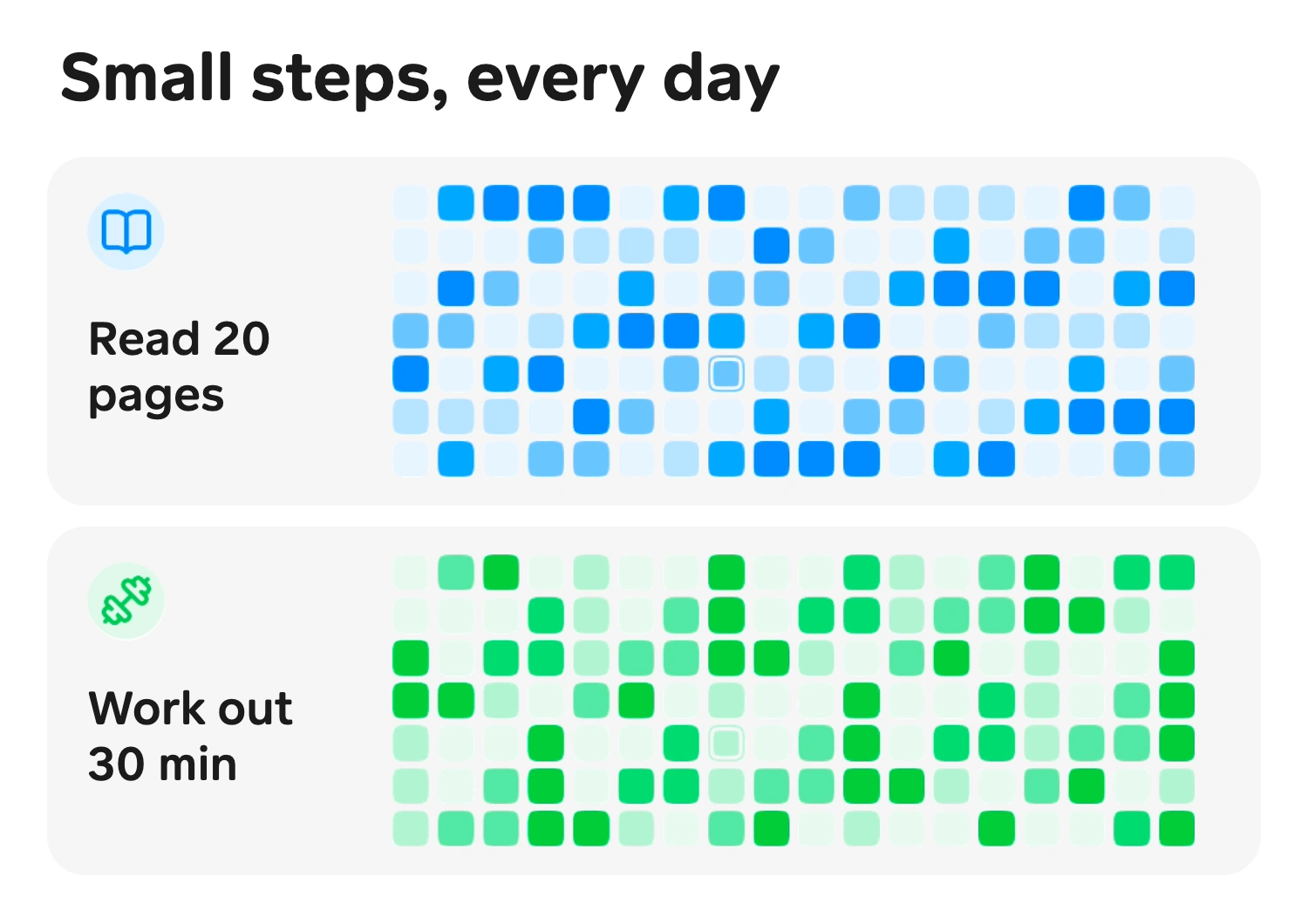
Small habits, steady progress
Log your habits, start a focus timer, and look back on your progress. Make time for the routines that matter to you.
Pomodoro sessions
Daily check-ins
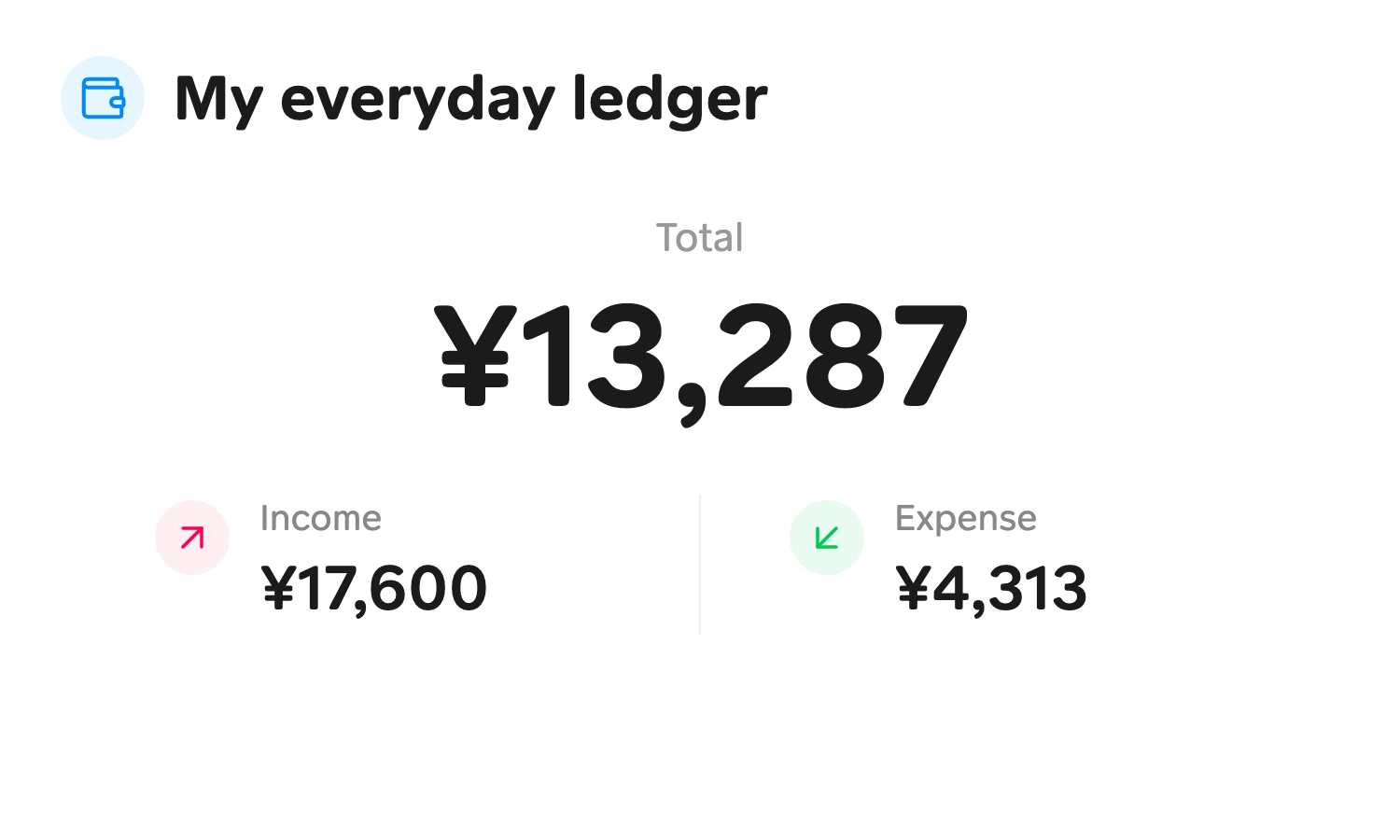
Know where your money goes
Record income and expenses, organize your accounts, and set category budgets. Review spending trends and track progress toward your savings goals.
Plans
Choose what fits your everyday
Find a plan for the way you organize your time, habits, notes, and finances.

iCloud sync works across Apple devices. Google Drive and OneDrive sync work across Apple and Android devices outside China mainland. Make Use cloud sync supports all regions and requires an active monthly or yearly membership.
Monthly and yearly memberships renew automatically and can be managed or canceled in the App Store. Lifetime membership is a one-time purchase; AI is subject to daily quotas. Buying lifetime membership does not cancel an existing subscription.
What our users say
From planning the day and building small habits to capturing ideas and tracking spending, Make Use brings everyday life into one place.

My day feels a little less scattered.
My tasks and appointments are in one place, and reminders help me see what's next. I can keep notes with a task instead of hunting for them later.

Emma L.
Freelance Designer
One task, one focus session.
I start a focus session before tackling a tricky bit of code. Linking it to the task helps me see where the time went, and the break reminder is a welcome nudge.

Noah T.
Software Engineer
A few pages still count.
I set a small reading goal for the evenings and check in when I finish. The habit calendar makes it easy to look back, even during weeks when lesson prep keeps me busy.

Chloe K.
Teacher
Small habits finally have a place.
I use the focus timer to settle into work and log my daily reading. Looking back at my check-ins and focus sessions makes those small efforts feel more visible.

Alex C.
Graduate Student
My ideas are easier to find again.
An outline, a stray sentence, a thought on the train—I keep them in my notes. When an idea becomes an assignment, I link the note to a task and carry on from there.

Olivia R.
Editor
The small costs no longer disappear.
Travel to shoots, equipment, and everyday spending all have a place in my ledger. Checking each category against its budget helps me decide what can wait until next month.

Lucas H.
Photographer
I know where the little expenses go.
Lunch, groceries, and weekend plans all go into my ledger. Category budgets show me what's left, and a savings goal helps me keep my next trip in sight.

Mia W.
Content Creator
A clearer view of the week ahead.
Switching between the week and day views helps me fit actual work around meetings. I can see what is already planned before adding another task to a busy afternoon.

Ethan S.
Product Manager
My next drawing tablet feels closer.
I made a savings goal for a new drawing tablet and record each amount I set aside. Seeing the progress helps me stick with it, even when I can only add a little.

Sophie M.
Illustrator
FAQs
A little more about Make Use
From everyday use to keeping devices in sync, here’s what to know before you start.